
File Explorer Tabs in Windows 11 version 22H2 – Ghacks

Microsoft released a new update for Windows 11 Insider devices today that brings the version of the operating system to 22621.160. The update is a smaller bug fix one, which is expected, as Microsoft is readying the new Windows 11 feature update for release.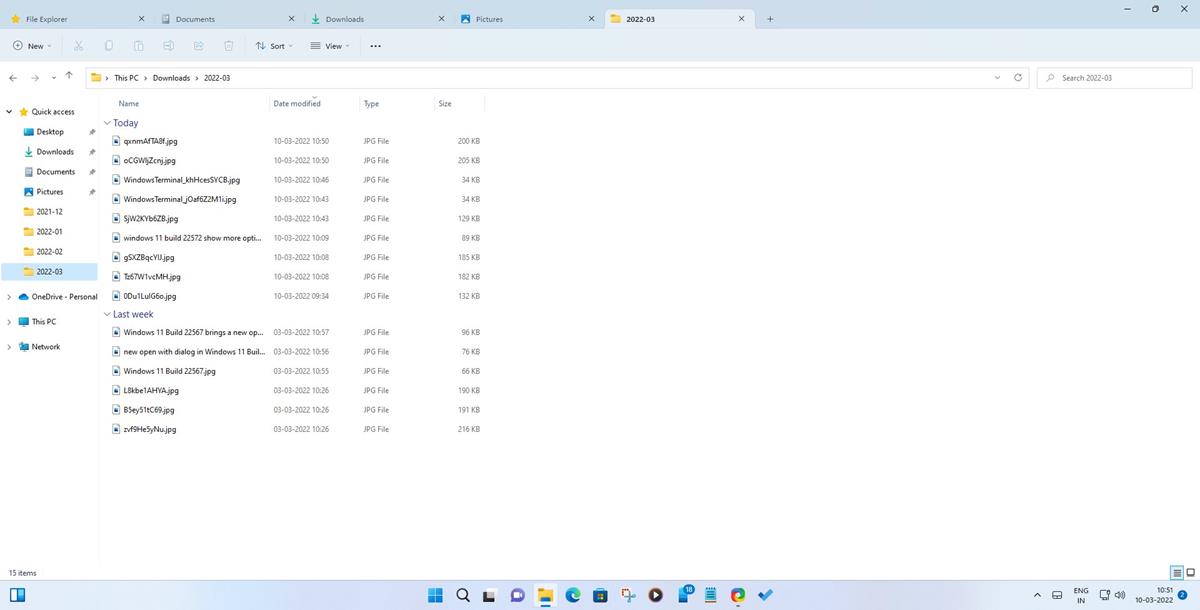
The latest Beta build of Windows 11 version 22 includes support for File Explorer tabs. Microsoft removed support for tabs in File Explorer in earlier builds, but restored the functionality in today’s release.
Build 25136 of the 2023 feature update release saw the integration of File Explorer tabs as well.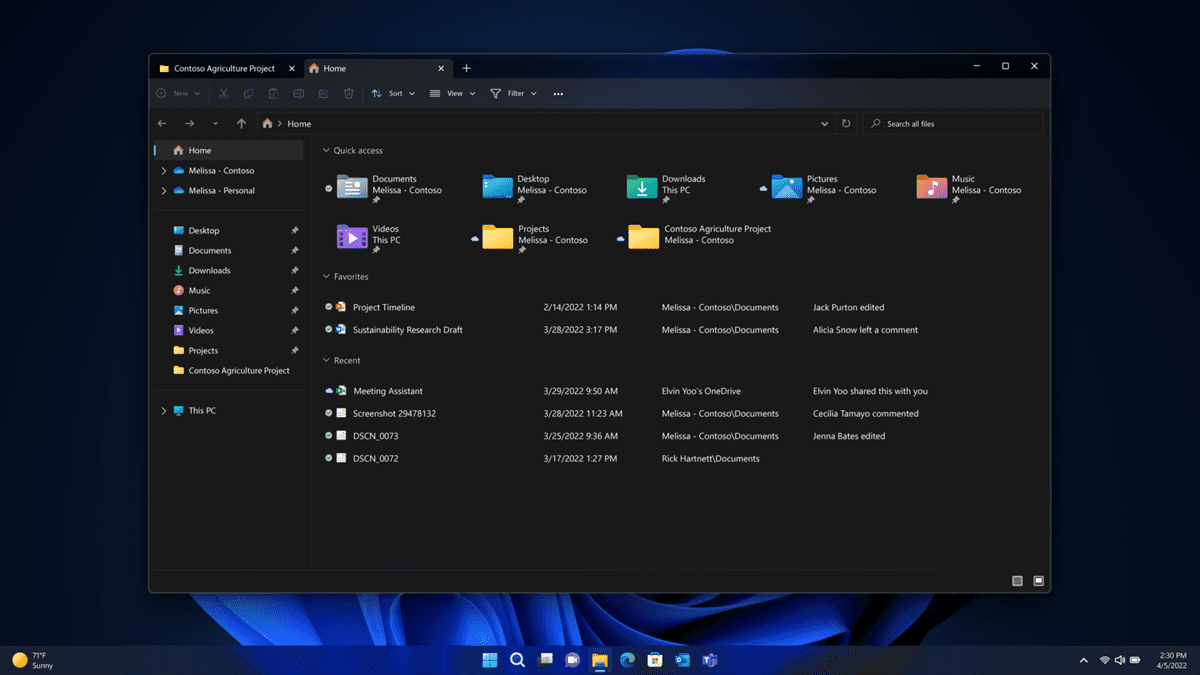
Tabs allow Windows users to open multiple directories and paths in a single File Explorer window. Tabs in File Explorer work similarly to browser tabs. Users may create new tabs in File Explorer and use them independently of one another. Keyboard shortcuts Ctrl-T to open a new tab and Ctrl-W to close the active tab are supported as well.
A right-click menu is provided to manage open tabs in Explorer, e.g., to close tabs. The feature supports reordering using drag & drop operations.
Closing Words
Tabs support in File Explorer is a highly requested feature, as it may be used to open multiple paths in a single File Explorer window. Microsoft may add features to the basic version in the long run, for instance, to improve file operations between tabs.
To summarize: File Explorer tabs will likely make it in the upcoming Windows 11 feature update, because Microsoft enabled them in the latest beta build of Windows 11 version 22H2. If tabs are enabled in the next Release Preview build, then it is very likely that they will also be enabled in the final release later this year.
Now You: what is your take on tabs in File Explorer?
you could have told how to enable the feature in previous insiders
Download https://github.com/PeterStrick/ViVeTool-GUI, search for 39145991 and enable. Do the same for 37634385 and 37634385 .
It’s a nice long-awaited upgrade that I am quite sure about many Windows o.s. users will benefit from.
Personally, I think that even with the function upgrade the Microsoft File explorer is far behind on almost any other file explorer like the even free FreeCommander explorer, the paid version of XYplorer, or even the old fashion xplorer2.
I can give you a few more names (Like Tablacus Explorer) but those three here above mentioned are the ones I personally like.
Please enable taskbar ungrouping back!
Tabs belong on the bottom of the top toolbars, tabs-on-top implies content control over the person’s control and additionally requires more effort to move the mouse to click on the tabs. However Microsoft is laser focused on breaking everything they built so…
Please click on the following link to open the newsletter signup page: Ghacks Newsletter Sign up
Ghacks is a technology news blog that was founded in 2005 by Martin Brinkmann. It has since then become one of the most popular tech news sites on the Internet with five authors and regular contributions from freelance writers.