
How to unlock disabled iPhone without Computer – Gizchina.com

Has your Apple iPhone gone dormant or have you completely forgotten the passcode? Calm down, and breathe, all is not lost. It is possible to regain access to your iPhone in a few simple steps. It’s possible to get it again, and you’ll learn how to unlock disabled iPhone in this article.
Maybe you’ve set a password on your iPhone, and after a certain time completely forgot it. Some users may not suffer from this, but still, this is something that can happen to some. Another possible scenario is that the iPhone belongs to your careless kid that simply forgot the password and tried multiple times with the wrong attempts. The result? The device will enter the “disabled” status and will ask you to connect to iTunes.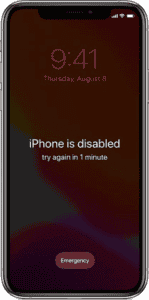
We have a few methods to help you to recover access to your device. In this particular tutorial, we’ll teach you how to get access to your device without a computer. Maybe you’re on the go and can’t get a computer to connect to iTunes. We got you covered!
Through this tutorial, we’ll teach you to unlock your disabled iPhone with “Find My”. There is also a second way to unlock with the use of “AnyUnlock”. One will not need a computer and the other will. But it also offers a more practical form.
What can you do if you forgot your iPhone passcode? There are multiple ways to unlock your iPhone’s passcode with or without a computer. These methods may wipe your entire data, but you can’t do much with a locked device. So maybe it is worth the sacrifice.
The “Find My” method will wipe your data, so the backup you made previously will be useful here. If you didn’t make a backup, then, there is not much you can do right now. That method will not necessarily need a computer. You can do the process using another iOS device such as an iPhone or iPad.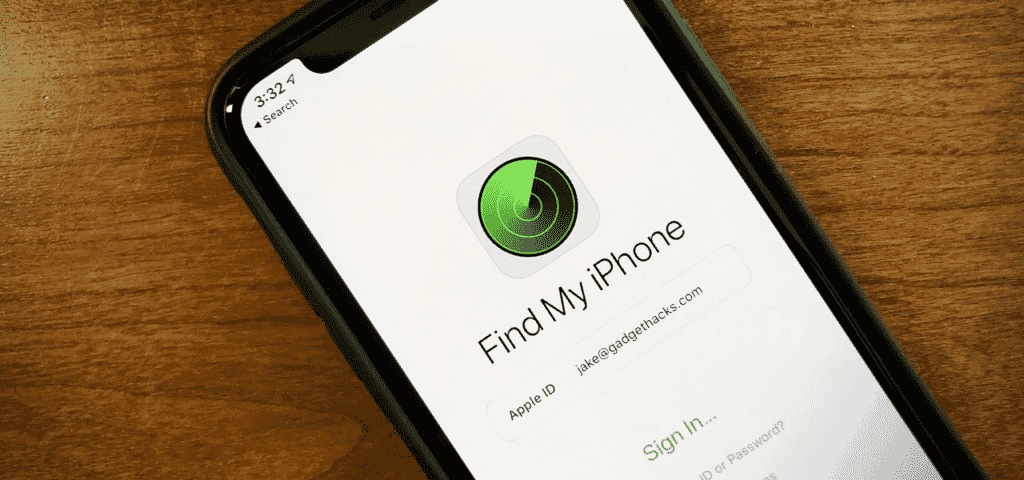
If you have a friend’s iPhone, a familiar’s iPad, or vice-versa, you can use that iOS device to go through the process.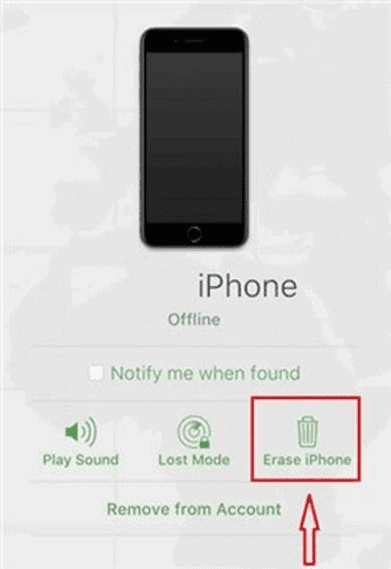
The second method will need you to download and install the “AnyUnlock” software tool. This one will need a computer, but at the same time, will do everything in a seamless form. Maybe you can’t connect to iTunes and need an alternative to unlock your device.
This password-unlocking tool can unlock the iPhone screen passcode, even without a Face ID or Touch ID in 3 simple clicks. The software can reset your iPhone passcode and also allows you to remove iTunes backup passwords, Apple ID, Screen Time passcodes, iCloud activation and etc.
Without further ado, let’s see how you can unlock your iPhone without a passcode or iTunes.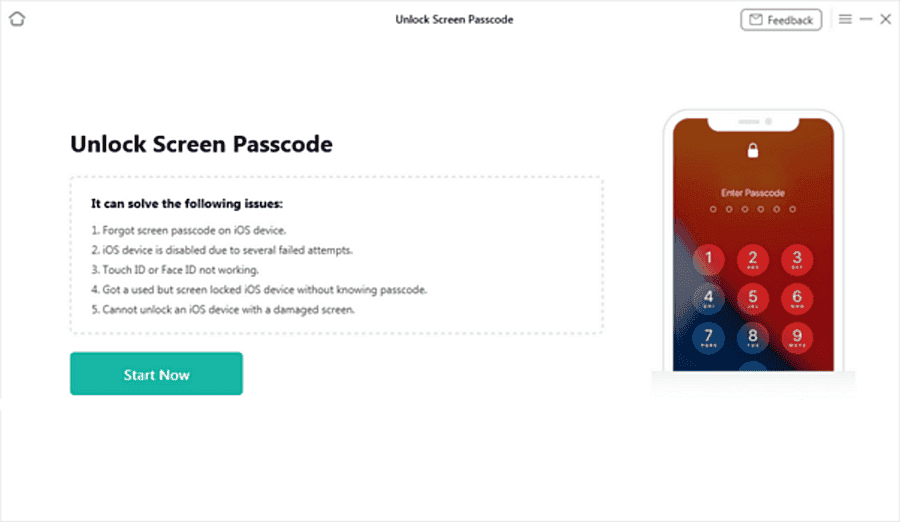
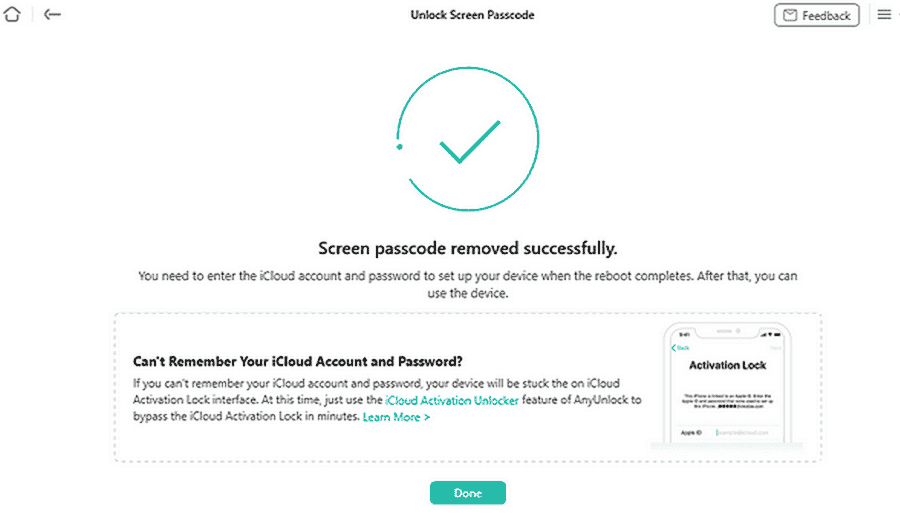
There are some key points that make the AnyUnlock an advantageous way to unlock your device. It allows you to:
As you can see it’s possible to unlock your device without a computer with the use of “Find My”. However, AnyUnlock is a more complete toolkit to recover your device. You can restore the Passcode, Face ID, and Touch ID not working on your device with a few clicks. It does not need to connect with iTunes or Log into iCloud. So it is useful even when you forgot all your passwords.
Besides this feature, AnyUnlock is a complete toolkit to help you to solve a bunch of issues with your iPhone. You can unlock iPhone, iPad, and iPod touch with forgotten passwords, can bypass MDM, bypass iCloud Activation, unlock Apple ID, remove SIM lock, and more.
We can’t help but recommend the complete toolkit if you want to stay safe. You can refer to this link for more details as well as more alternatives to recover your device.
A technology enthusiast. Fascinated for technology. Currently a student of Computer Engineering, passioned for Chinese world of Smart Devices and their innovation in the pricing and quality. I like to take photos and venture myself in natural places.
GizChina
Follow @gizchina

Chinese Phone blog dedicated to providing breaking news, expert reviews, Chinese Phones, Android Apps, Chinese Android Tablets and how to’s.
Keep up to date with the latest Chinese Android phone news and reviews on our social media channels: