
Apple announces macOS Ventura – Here's what's new in it – Ghacks

Apple unveiled the next version of macOS at WWDC 2022 today: meet macOS Ventura.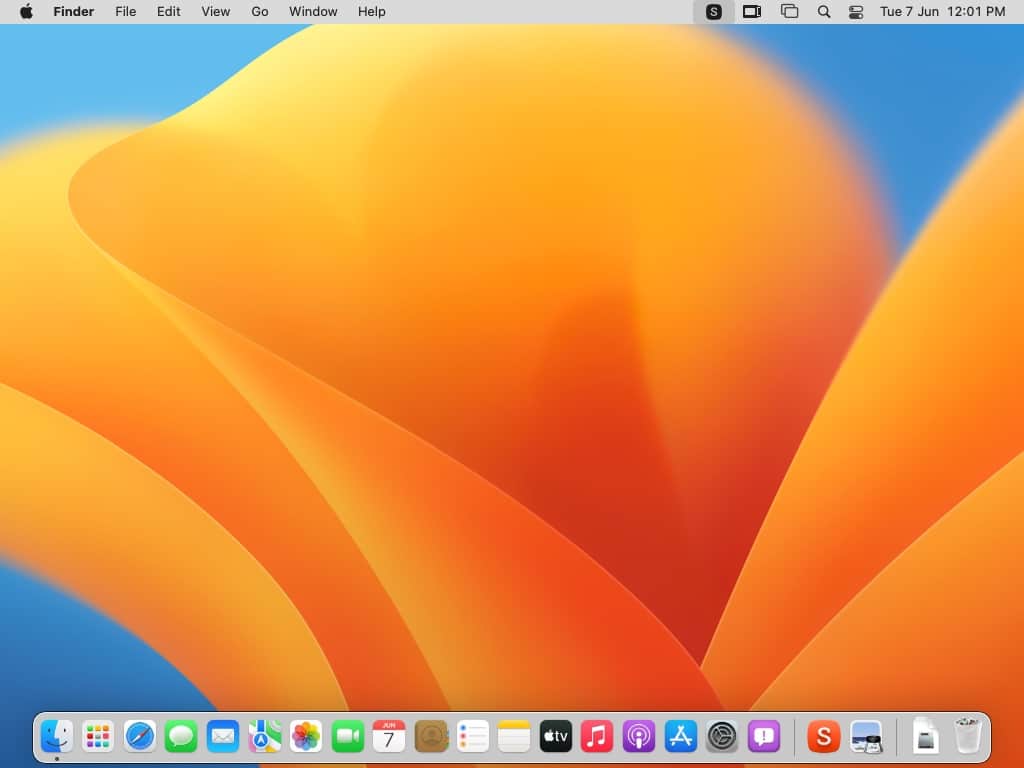
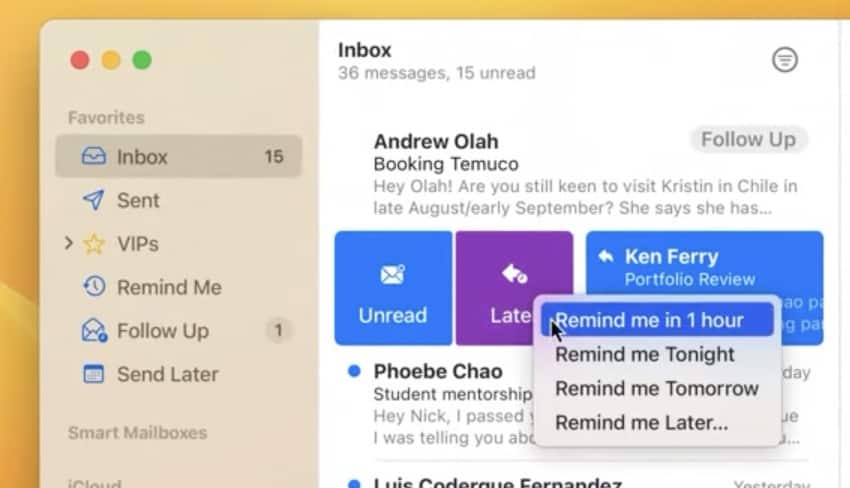
The Mail app in macOS Ventura supports undo send to quickly cancel a mail that you may have accidentally sent to a contact.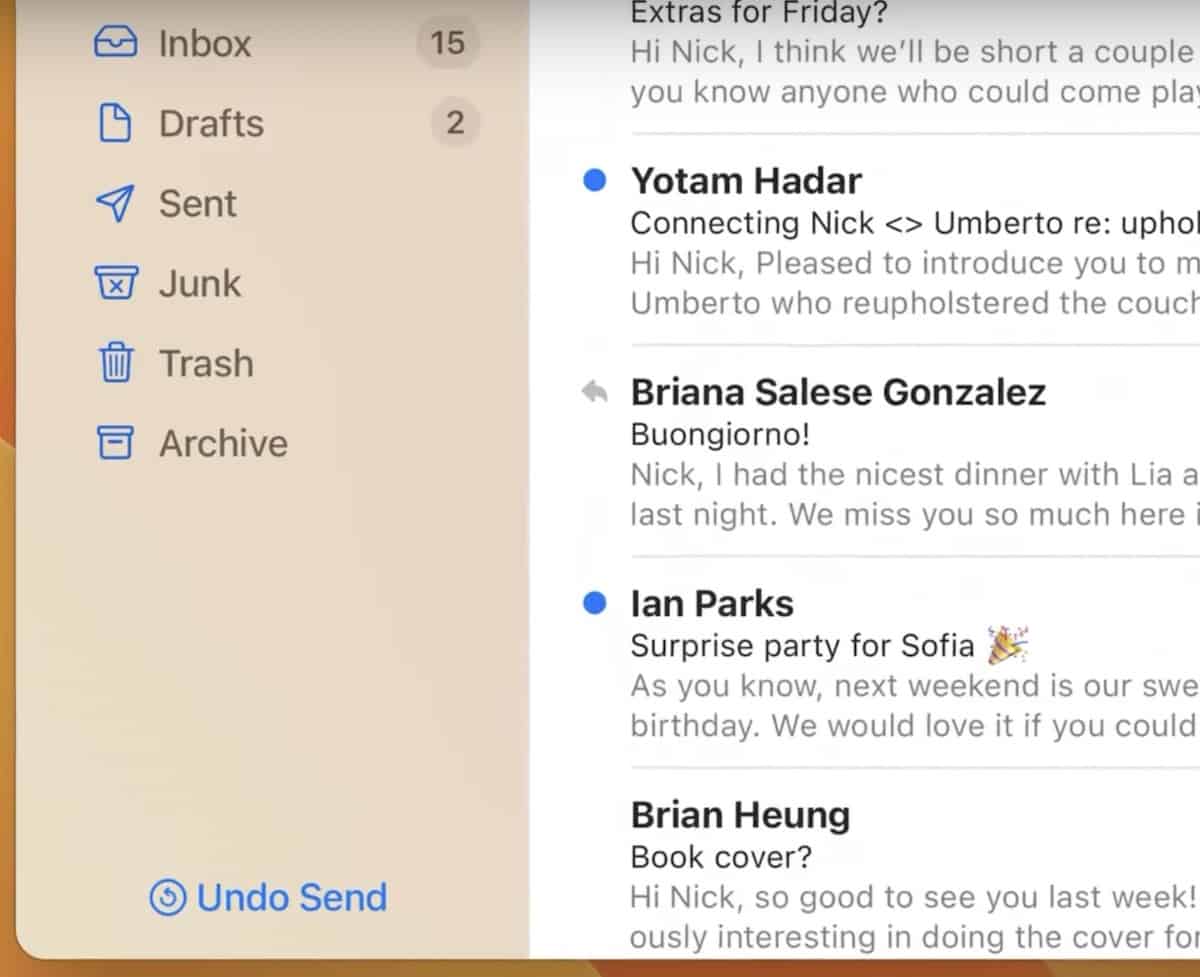
The email client also gets a Schedule send feature (Send it later) that allows users to send the message at a specific time.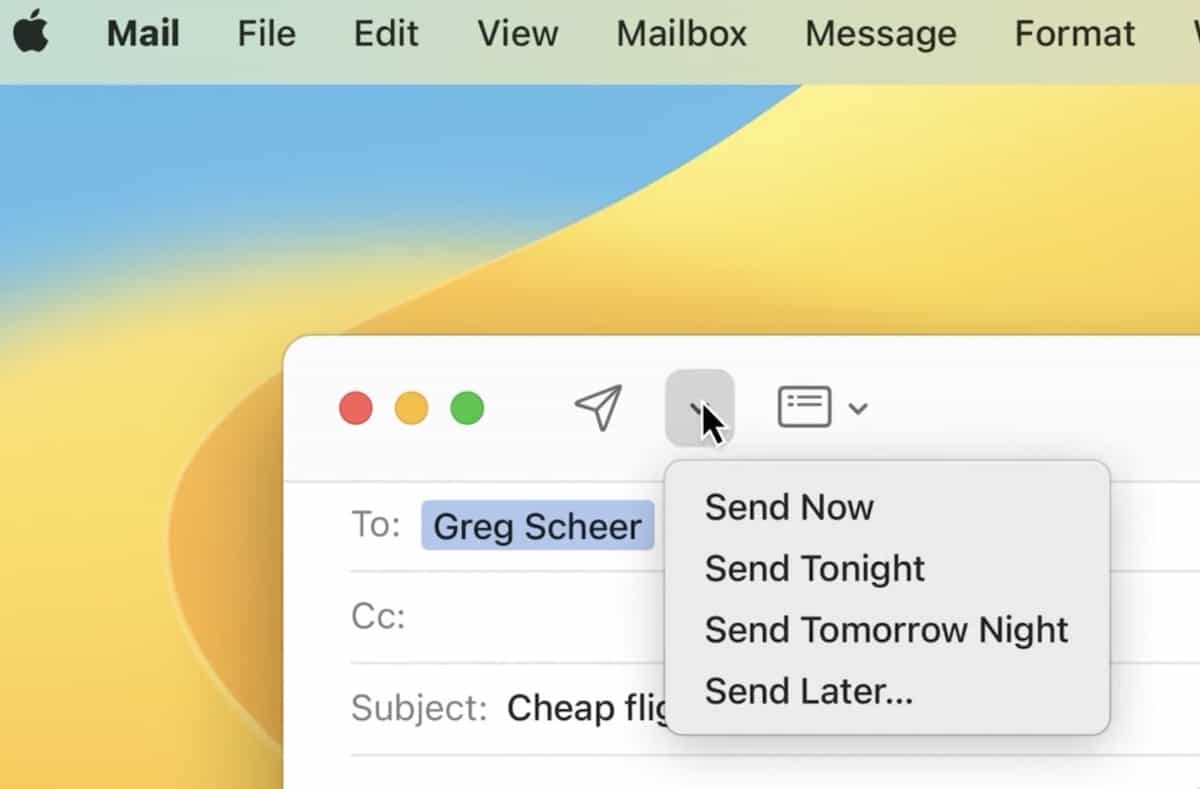
Apple Safari takes Tab groups to the next level, it allows you share them with your family, friends and colleagues using Shared Tab Groups. Users can collaborate in real-time to see which tabs are being used by other members. It also supports Messages and Facetime.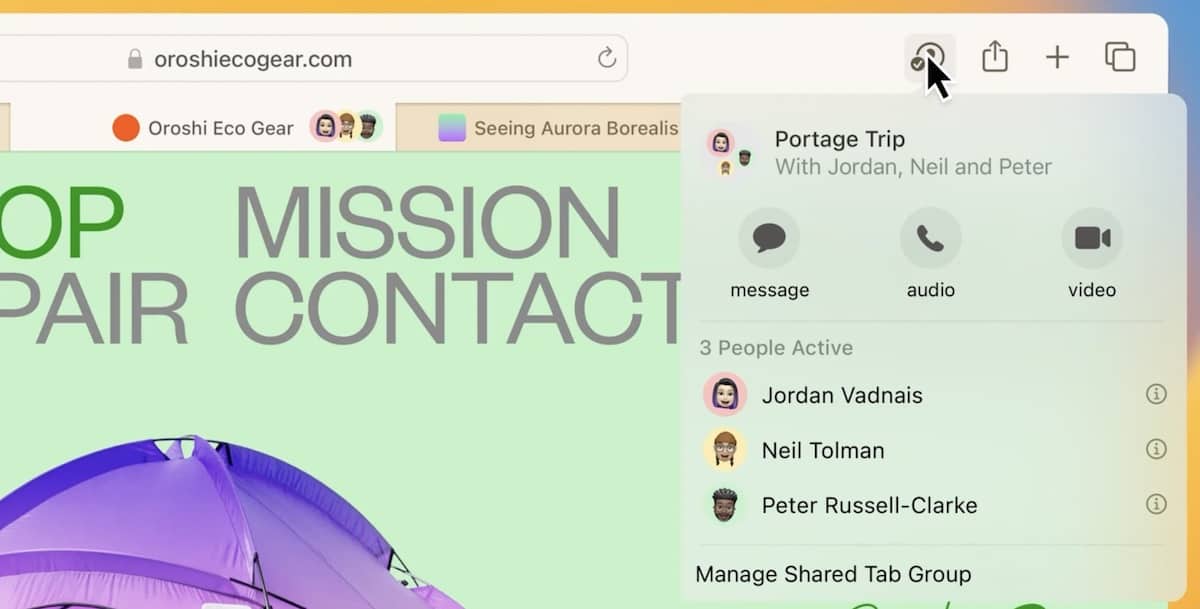
macOS Ventura brings Metal 3 hardware accelerated graphics for developers. It supports MetalFX Upscaling for realistic and immersive graphics with maximum performance. The company confirmed that AAA titles such as No Man’s Sky and Resident Evil Village are coming to Apple Silicon with MetalFX Upscaling. The new Fast Resource Loading API helps deliver faster loading times in games.
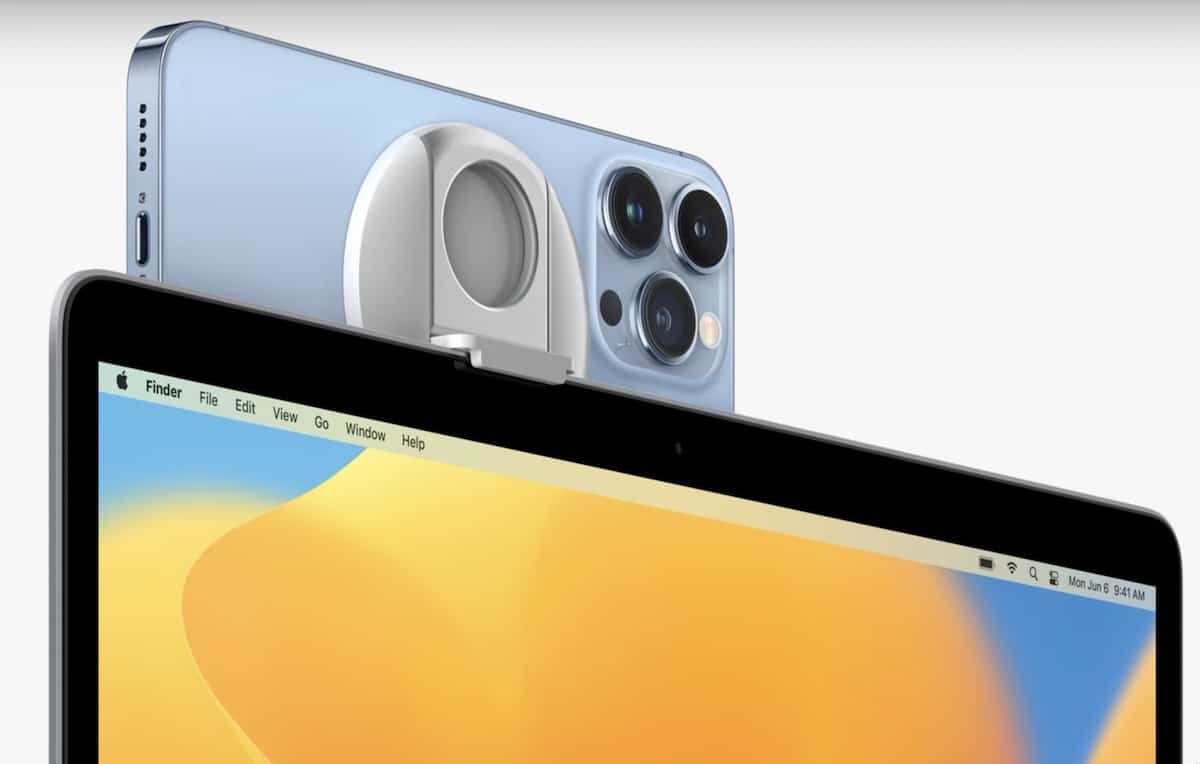
Continuity is being expanded in macOS Ventura. It supports Handoff for FaceTime, which can recognize when your iPhone is nearby, and allows you to switch the call to your Mac.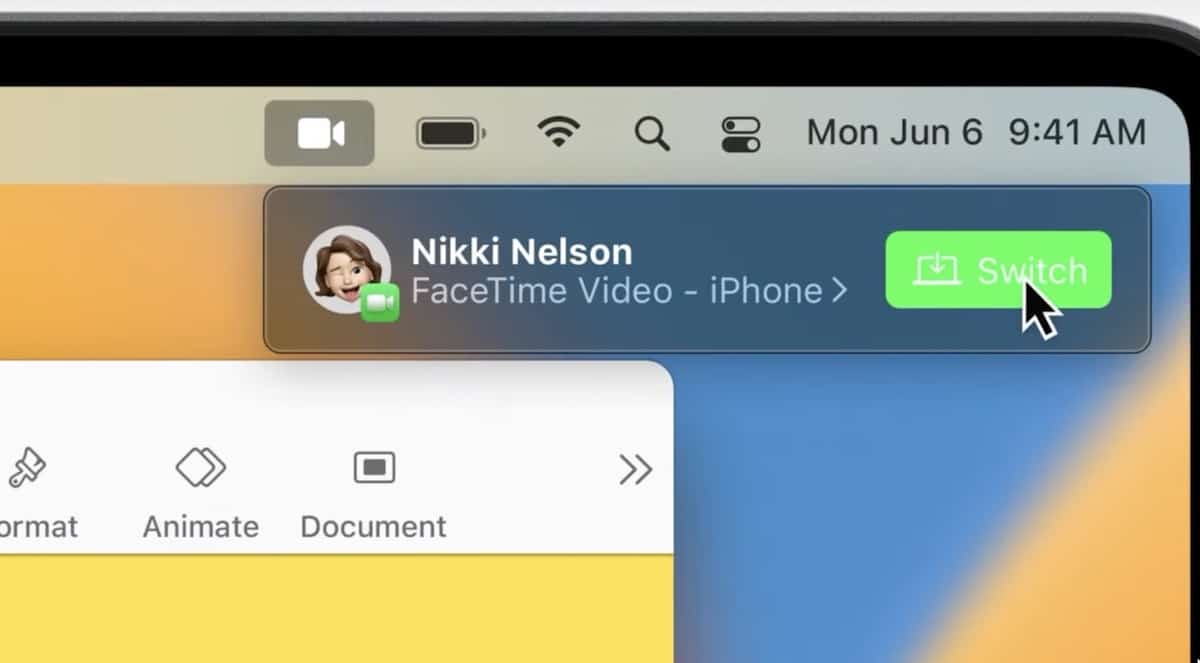
The System Preferences app has been renamed to System Settings, and the interface has been completely overhauled. Instead of an icon-based UI, it now has a sidebar with various tabs to house the options.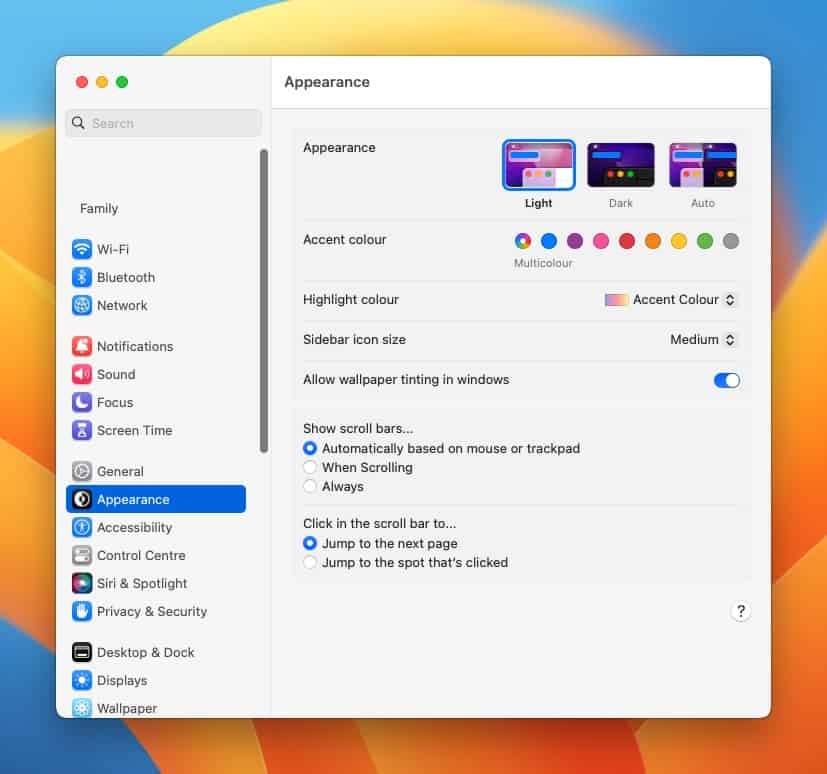
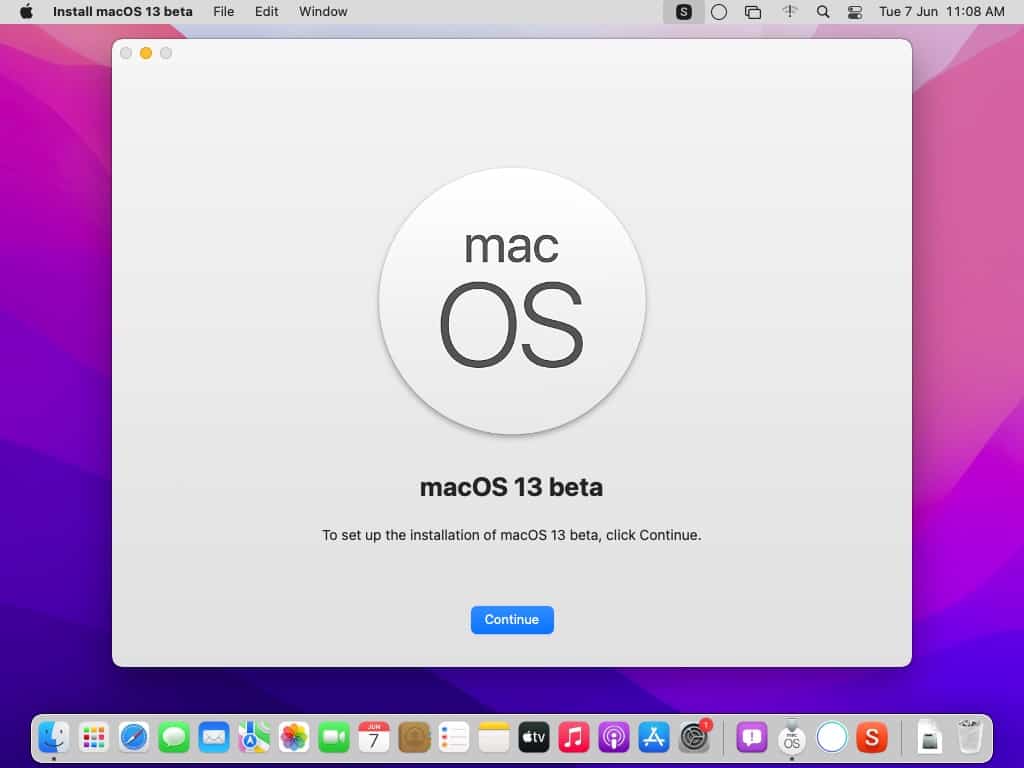
Users with an Apple Developer Account can download macOS Ventura beta, and install it on their computer. But, it is worth mentioning that the current build has many bugs, so it’s not advisable to try it on your primary Mac.
What is your favorite feature in macOS Ventura?
I am near to cry of happiness when I see a taskbar on top. W11 is unable to set its own taskbar on top. In this way, I think that W11 version 708 has a bug in taskbar, it becomes randomly unresponsible. There are only two MacOS in my class of 20 students and both two works like a charm, no single problem with WiFi shared printer. Thanks @Aswhin for the article! :]
Oddly, the first thing that came to my mind was Ace Ventura… aces, Apple!
Its for me quit difficult to say when I have not experienced and also worked with the new functions.
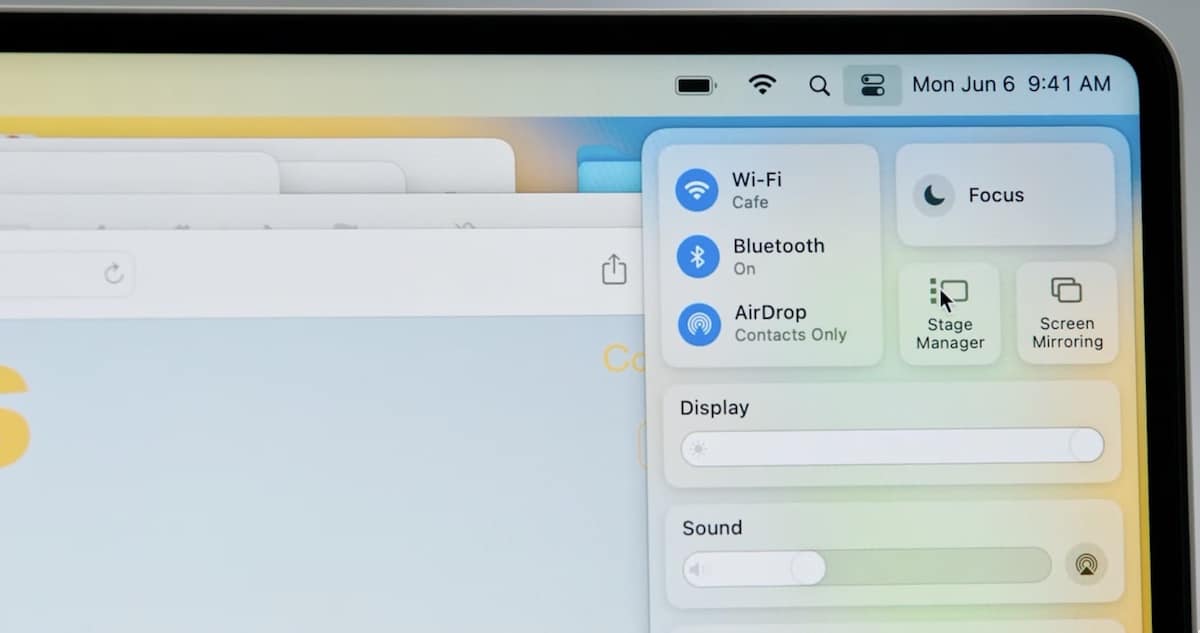
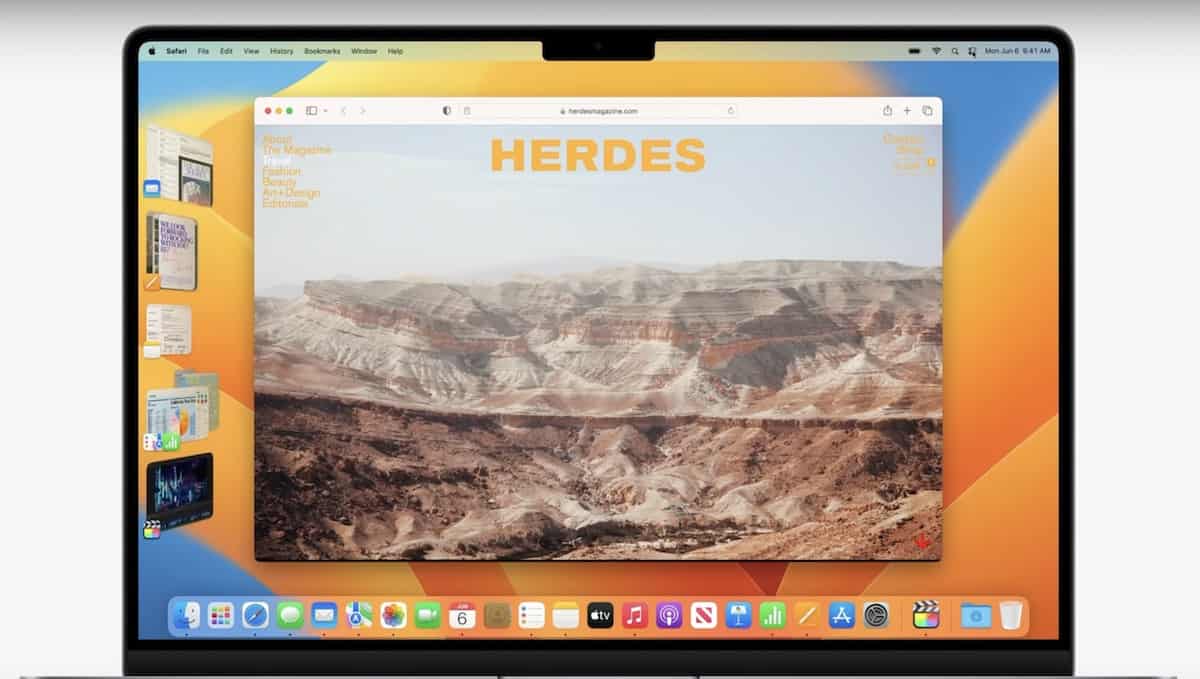
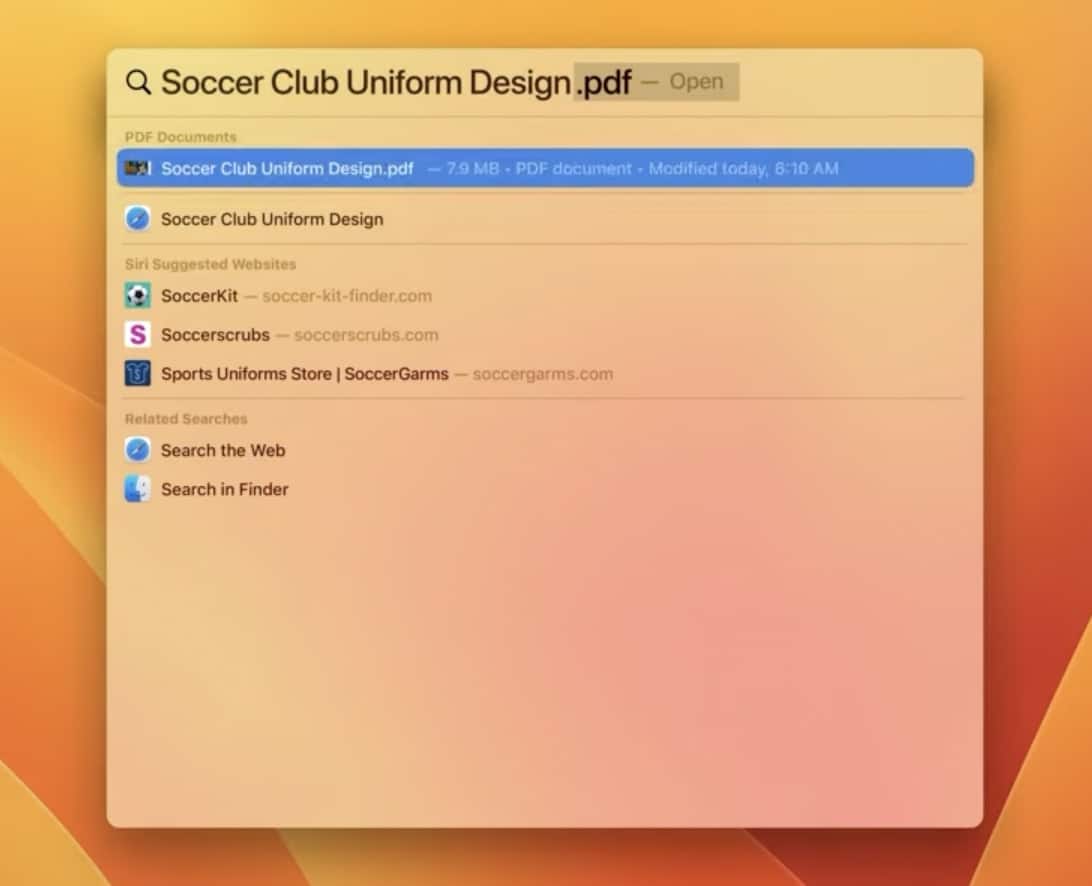
But the stage manager looks quit handy. Spotlight search looks really great.
The new mail functions like quickly cancel, send it later and recently shared documents, links and searches, are quit useful.
Is Apple Safari again real safe to work with? The next level tab groups is a really great development.
With MetalFX Apple is up-scaling/turned into an Alienware rival.
About the System Preferences app up scaling I can only say that I have to work with to say anything about it.
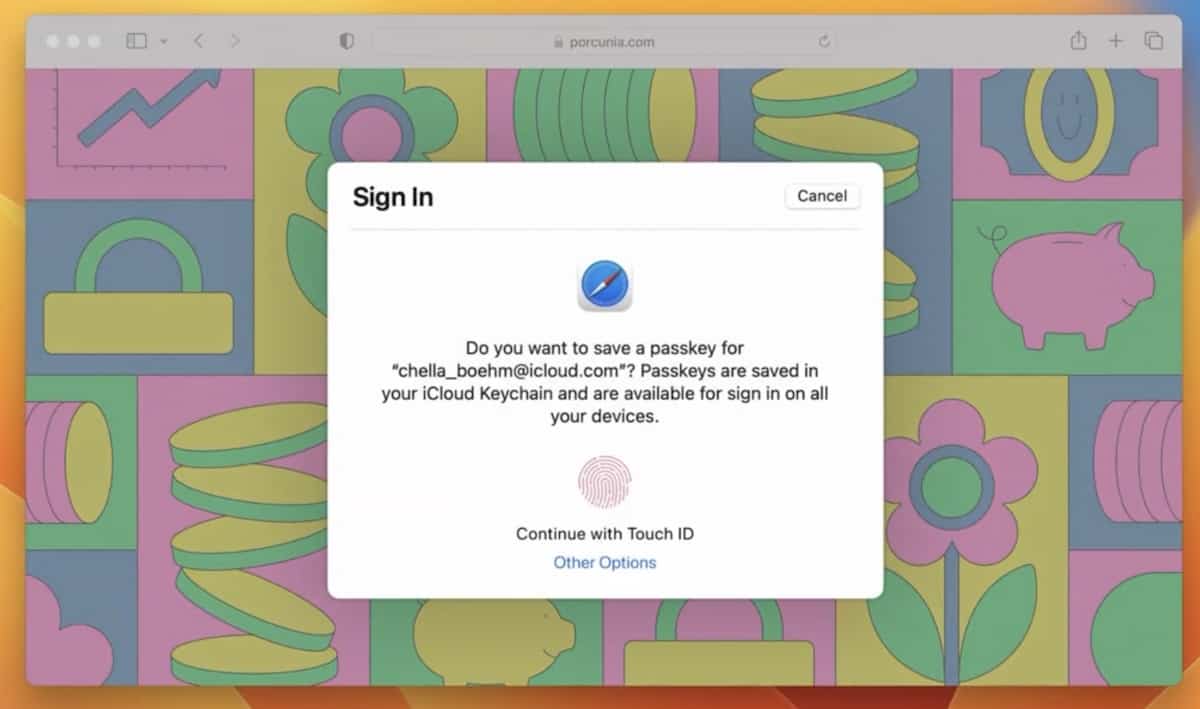
But for me the winner right now is Passkeys. When it turned out to be a installed app and not a online app like Lastpass, but more like KeePass.
Alrighty then
The new Stage Manager is awesome and I’m glad they added it to iPadOS as well!
The Passkey feature sounds great too, plus the fact that it is crossplatform and Google & Microsoft have agreed to work with Apple to make it an open standard means that passwordless logins may finally take off.
Looks ugly. They haven’t had a good design since Mojave. Windows 11 maybe missing ton of functionality from 10 but at least its not ugly like macOS.
The whole thing looks childish.
Please click on the following link to open the newsletter signup page: Ghacks Newsletter Sign up
Ghacks is a technology news blog that was founded in 2005 by Martin Brinkmann. It has since then become one of the most popular tech news sites on the Internet with five authors and regular contributions from freelance writers.