
ShareX 14 launches with offline OCR support – Ghacks

ShareX 14.0.0 is now available. The new version of the screen capturing and recording application for Windows comes with a number of new features and improvements, that make the overall user experience even better.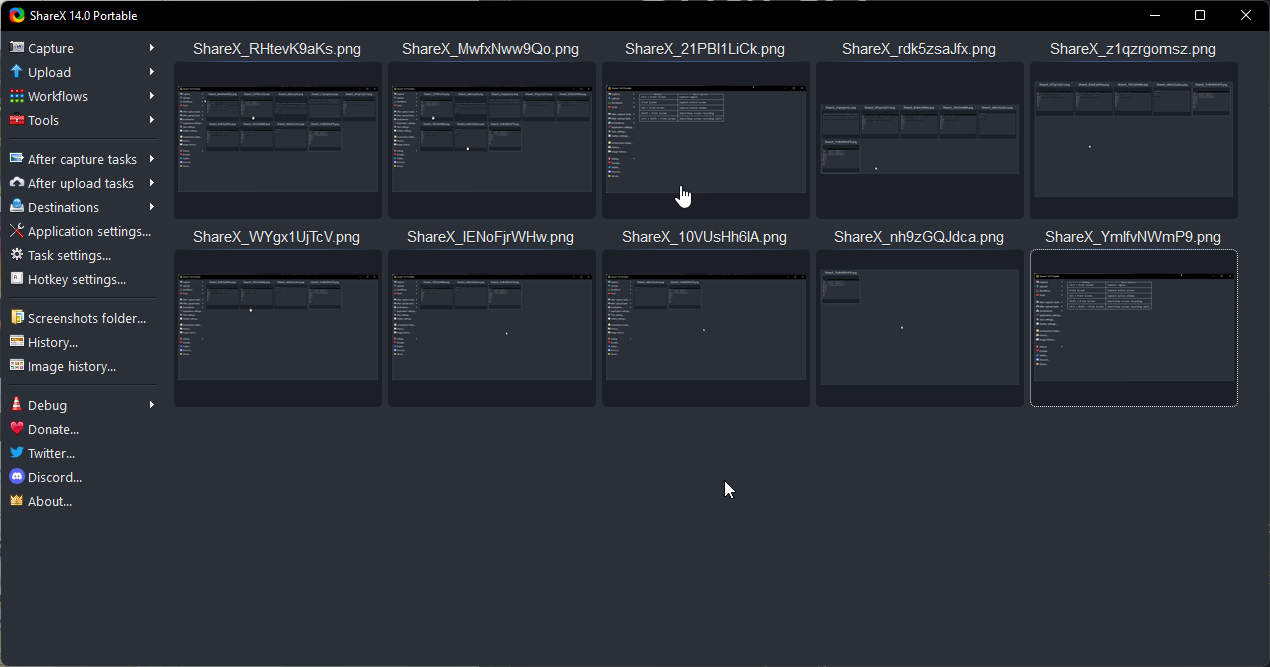
ShareX is an open source application that is available as a portable version and installer. The application’s functionality goes beyond the usual assortment of functions that screenshot programs provide.
While it does support all basic and several advanced options, it is support for post processing options that set it apart. Some of these may be automated, which is comfortable.
ShareX supports the uploading of screenshots, recordings and text to various sites on the Internet, but the feature is completely optional. After capture and upload tasks may be run, e.g., to save a thumbnail file or add effects such as watermarks to the image.
ShareX 14.0.0 improves the built-in OCR functionality. It allows you to extract text from images, which you may then copy to the Clipboard, upload, or process in other ways. Up until now, OCR required an Internet connection.
Starting with version 14.0 of the program, OCR is available offline as well. The only requirement is that Windows 10 or 11 is the operating system. The OCR button is now available under Tools and no longer under Captures.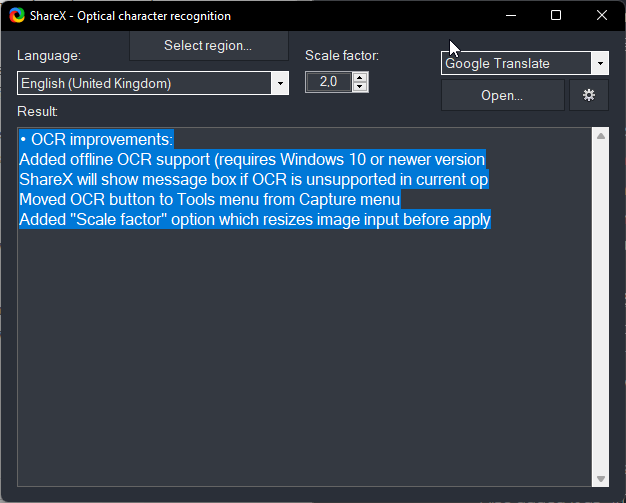
All it takes to use the functionality is to select it, or use an assigned hotkey to invoke it, to get started. You draw a rectangle around a region and the program detects text automatically in that region. Text is then displayed in a small window, which supports additional options.
Besides changing the language of text, you may change the scale factor, which may help improve the quality of the OCR feature, or use service links, such as Google Translate.
OCR received several other improvements in ShareX 14.0.0. The new “select region” button of the OCR window runs a recapture of the same region immediately, which means that you don’t have to open the tool manually again before doing so.
ShareX 14.0.0 includes dozens of important changes and improvements. Here is a short list of some of the important ones:
Closing Words
ShareX is a powerful screenshot capturing and screen recording application. It may intimidate some users on first use, as it has lots of features and options. Most of these do not get in the way, on the other hand.
Now You: do you use ShareX or another screenshot tool?
As of this moment it appears the website has not been updated however one would have to go to the releases page at github to download version 14 which was updated 3 days ago.
I imagine that the website will be updated once this version is set in stone.
It looks like the new version is pre-release. No thanks. I am not a beta tester.
I was once, a long time ago, but the experience left a bad impression which has persisted over the years,
Please click on the following link to open the newsletter signup page: Ghacks Newsletter Sign up
Ghacks is a technology news blog that was founded in 2005 by Martin Brinkmann. It has since then become one of the most popular tech news sites on the Internet with five authors and regular contributions from freelance writers.