
Media Player VLC 3.5 for Android has been released – Ghacks

VideoLAN, maker of the popular open source media player VLC, has released VLC 3.5 for Android. The release is already in distribution, but it may take a while before VLC installations on Android devices are updated.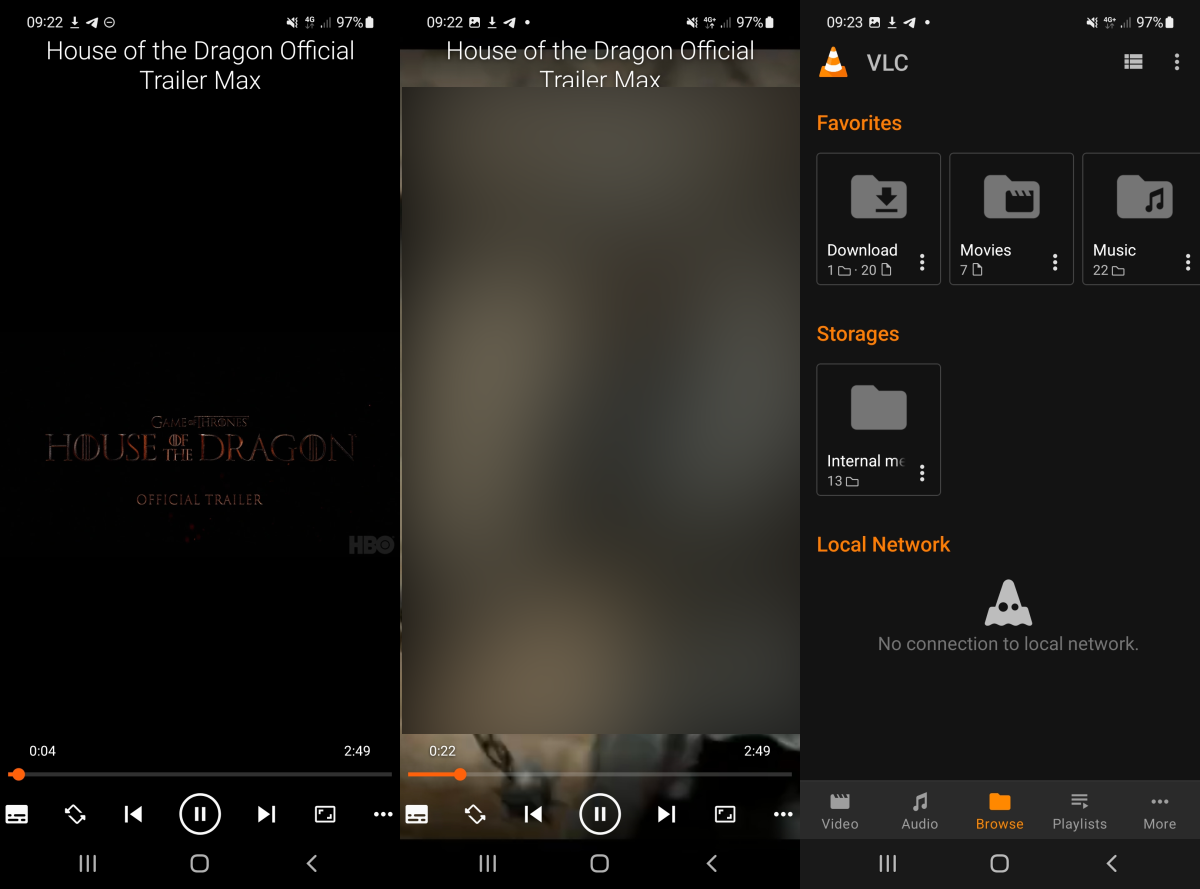
VLC users who do not want to wait for that to happen may download the latest version directly from the VideoLAN website.
VLC 3.5 for Android is a new major release. It is the first stable release of the media player in 2022; the last release, VLC for Android 3.4.0, dates back to September of 2021.
VLC for Android 3.5 includes several major improvements and changes. Widgets, for one, have undergone significant changes and improvements.
Widgets support Material You now and include customization options, such as setting the opacity or forward and backward time delays. Another new feature is the ability to create shortcuts to media files directly on the home screen.
Just select the settings icon of the media file and then “create a launcher shortcut” from the menu that opens to do so.
VLC supports all major media formats, which means that it can be used to play audio files. When you play audio files for the first time in VLC 3.5 for Android, you may notice audio screen improvements. The album screen, for instance, displays more information than in previous versions of the player.
One interesting new feature is the ability to customize player controls. A tap on the settings icon while media plays and the selection of control settings displays the customization options.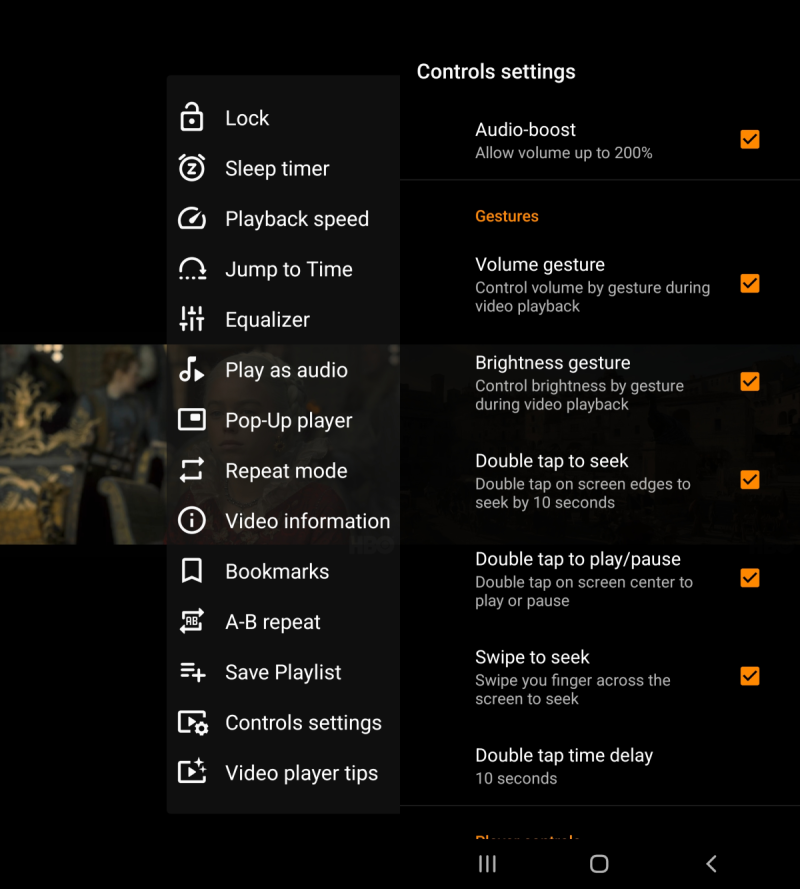
Here you get access to the following configuration options:
Other new features in VLC for Android 3.5 include improved tablet and foldable devices support, automatic detection of a device’s form factor to adjust the interface accordingly, and Samba shares network indexation support.
The developers of VLC for Android improved the performance and resource usage of the player in the new version, especially on low-end and older devices.
There is also a new permissions dialog that explains the three different options and functionality of the player depending on the choice made.
Closing words
VLC for Android 3.5 is a huge step in the right direction for the media player. It adds customization options and a lot of polish to VLC, and improves playback on older and low-end devices.
Now You: which media player do you use on your mobile devices?
Since 1996/1998, VideoLAN has succeeded in releasing increasingly sophisticated open software releases. This latest Android release also brings a lot of goodies.
Too bad the Android version does not have a counter for the number of times it has been downloaded, just like the desktop version.
The latest desktop release version 3.0.17.4 (‘-22-04-19) has been downloaded more than 39 million times. I am therefore curious to see what the next desktop release will bring.
I could have used it as a music player since the now playing UI is decent enough, but oh my how the album art gallery view sucks donkeyballs. Tiny pictures, half covered with album details scrolling text =) I can’t stop laughing..WHO designed this???????? Let’s wait another 5-6 years, maybe it gets fixed by then. Larger picture man, and get rid of that scrolling garbage, looks like the insides of an anthill. A big plus though is that it works on devices as old as Android 4.2.
Your concluding question was: “which media player do you use on your mobile devices?”
If a laptop counts as “mobile device”, then my simple answer is: VLC.
If you were thinking specifically of phones, then my answer is “none”. I virtually never use my phone to watch video. Having no social media accounts, I do not encounter video clips on my phone very often. My phone browser apps are not allowed to autoplay distracting videos. And when, for example, I really need to see a Youtube video, I will always try to do that on some other device with a larger screen. I find a tiny phone screen simply not suited to watch any kind of video comfortably.
Must be old age. Or something.
Now if by your definition a simple music player also counts as a “media player” then my answer would be different. On my phone I use 1by1 and also FolderPlayer. Both are simple mp3 players that do not require you to waste your time with maintaining convoluted playlists. Of course, phone speakers being worthless, I use these “media players” only when connected to external speakers or headphones.
The “media app” on my phone that I use by far the most, literally every day, is FBReader. Books are also “media”, printed media, right? So whenever I have, say, to sit for a while waiting somewhere, I open a book on my phone. I’ts so wonderful to have a large library in your pocket! And unlike with videos, you can optimize font size without missing details.
Yes, must be old age. Or something.
I use Musicolet Music Player. No ads, free, a lot of features, light.
https://krosbits.in/musicolet/
Also no trackers and a lot of Audio format supported. I had marked 5-6 apps to evaluate between F-DroidAurora Store, this one I had missed. For music I’ll start with this app, thanks.
Please click on the following link to open the newsletter signup page: Ghacks Newsletter Sign up
Ghacks is a technology news blog that was founded in 2005 by Martin Brinkmann. It has since then become one of the most popular tech news sites on the Internet with five authors and regular contributions from freelance writers.